Quickly Improve Scanned PDFs for Accessible Meeting Agendas and Minutes
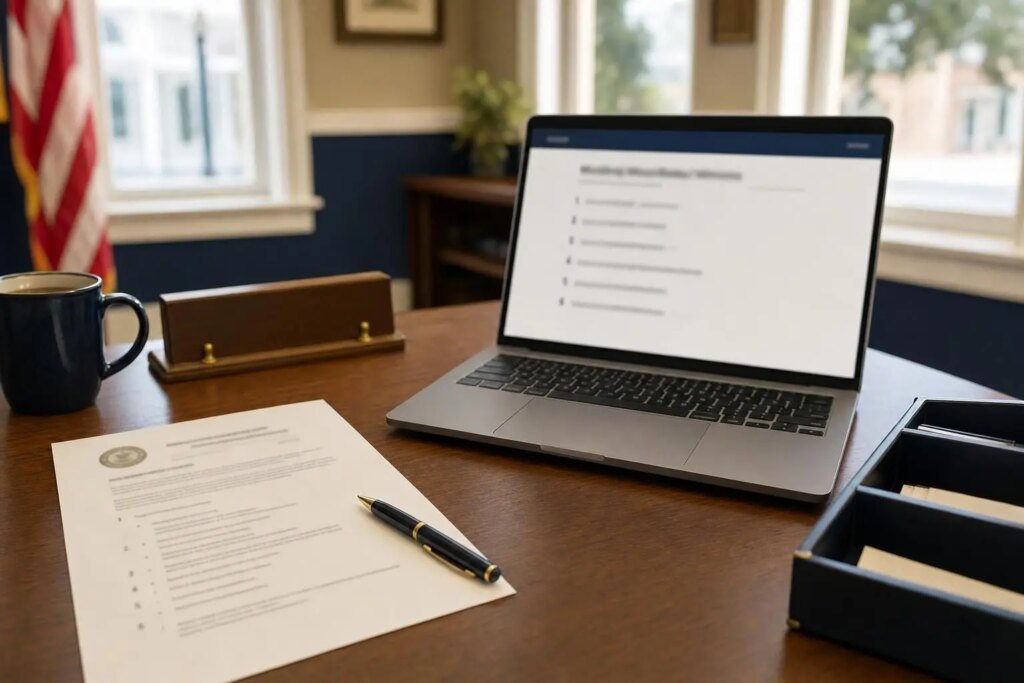
Ensuring accessible meeting agendas is one of the most effective strategies for improving municipal, school board, or district websites. This approach not only enhances user experience but also mitigates significant ADA compliance risks. Meeting agendas, minutes, and packets are frequently accessed content on government websites, yet many are still uploaded in formats like scanned PDFs that are incompatible with screen readers. This article outlines the shortcomings of scanned agendas, the ADA’s accessibility standards, and offers a straightforward method to create fully accessible agendas and minutes without overburdening clerical staff. A live demonstration is also provided to illustrate these differences.
The Pitfalls of Scanned PDF Agendas
In many small municipal offices, the typical procedure involves drafting the agenda in a Word document, printing it out, obtaining signatures, scanning the printed version, and then posting the scan online. While this process results in a visually acceptable paper agenda on the bulletin board, the online version becomes merely an image of text.
- Screen readers can’t interpret it. Residents with visual impairments only encounter “graphic” or silence when attempting to access agenda items.
- Zooming yields poor results. Enlarging a scanned document simply magnifies blurry pixels, complicating readability for those with low vision.
- Mobile access is hindered. The letter-size scan requires users to pinch and scroll sideways on small screens, while many site visitors use mobile devices.
- Search functionalities fail. Neither Google nor internal site searches can decipher text embedded in images, making it difficult for residents to find relevant discussions such as a “water rate increase.”
- Large file sizes are problematic. Scanned packets often take up several megabytes, which can lead to slow loading times, particularly on less robust internet connections.
Understanding ADA Standards for Agendas and Minutes
The ADA Title II rule, set forth by the Department of Justice, establishes WCAG 2.1 Level AA as the required technical standard for state and local governmental web content, including documents like agendas, minutes, packets, and ordinances. Governments with a population of 50,000 or more must comply by April 26, 2027, while smaller entities have until April 26, 2028, to meet these standards. Comprehensive insights about this rule and impending deadlines can be found in our guide to ADA website compliance.
There is a limited exception for specific documents uploaded prior to the compliance deadline, which does not extend to agendas and minutes generated after that date. Since every new meeting produces a new agenda, all future posts must be accessible. By starting this process now, your archive will gradually improve rather than accumulate backlog issues.
Characteristics of Accessible Meeting Agendas
Creating accessible meeting agendas is straightforward. They should consist of actual text that is properly structured:
- Real text: Use selectable text instead of standalone scanned images.
- Proper headings: Clearly labeled sections for the board name, meeting date, and important topics facilitate navigation for screen reader users.
- Numbered lists: Agenda items should be displayed in a numbered format, allowing users to follow along, such as “item 4 of 9.”
- Descriptive hyperlinks: Use meaningful link text like “Ordinance 2026-14: water rates (PDF)” instead of vague instructions like “click here.”
- Alt tags: Provide alternative text for any visuals like maps or charts within the packet.
- Readable design: Ensure good contrast and the use of readable fonts without relying on color alone to convey information.
- Consistent meeting table: Create a filterable table where residents can easily find the agenda, minutes, and packets for any meeting consolidated in one area.
Demonstration: Comparing Scanned and Accessible Agendas
Experience the difference for yourself. Use the buttons to see and hear how a screen reader interprets a scanned agenda versus an accessible agenda created using our Agendas & Minutes Manager. Utilize the text controls on the right to observe how residents can adjust the accessible version as needed.
Interactive demo: listen to what a screen reader announces
Before: scanned PDF agenda
After: accessible agenda page
Village Board: Regular Meeting Agenda
Monday, March 9, 2026 at 7:00 PM, Village Hall
- Call to order and roll call
- Public comment
- Approval of February 9 minutes
- Ordinance 2026-04: water rates (final action)
- Street repair bids
- Adjournment
Click any button above to discover how a screen reader announces the content.
The scanned agenda yields only “graphic” to a screen reader user. In contrast, the accessible agenda communicates the board, date, time, location, and every agenda item in sequence. Furthermore, residents can enlarge the text or switch to high-contrast viewing without affecting the overall layout.
Creating Accessible Meeting Agendas and Minutes: Five Essential Steps
1. Avoid Scanning Signed Copies for Online Use
Retain the signed hard copy for your records and bulletin board. Instead, post the original Word or PDF document or, even better, publish the agenda directly as a web page. If an online signature is necessary, upload the accessible text first and supplement it with the scanned version as a secondary download.
2. Utilize Heading Styles and Numbered Lists in Word
Employ Word’s standard Heading 1 and Heading 2 styles instead of simply bolding text. Use the numbered list formatting for agenda items. When exporting to PDF with “tagged PDF” enabled, this structure remains intact for screen readers.
3. Offer an HTML Version Alongside Every PDF
HTML pages are the most universally accessible format. They adjust on phones, are compatible with all screen reader technologies, and are easily indexed by Google. Keep PDFs available for those who prefer to print the documents.
4. Prioritize the Cleanup of Your Backlog
Focus initially on the current year’s agendas and minutes along with any documents that residents frequently access, such as meeting schedules, fee ordinances, and forms. Move older content to a clearly labeled archive section. Our ADA compliance checklist for municipal websites can assist in prioritizing this process.
5. Integrate Accessibility into Your Routine
Making agendas accessible becomes a sustainable practice only when it is part of your regular posting workflow. The ideal system allows clerks to upload files in the usual manner while automatically generating accessible versions.
The Benefits of Using Agendas & Minutes Manager
We developed the Agendas & Minutes Manager plugin for SnapSite municipal websites after observing the challenges clerks from small towns face with this issue.
- Automatically Generated Accessible Versions: Whenever a PDF or Word file is uploaded, our ADA Document Engine creates an accessible HTML counterpart.
- Effective Scanning: Integrated text recognition (OCR) converts scanned agendas into proper, readable text.
- Comprehensive Public Meeting Table: Every meeting’s agenda, minutes, and packet are displayed collectively, with options for filtering by board and year along with a search feature.
- User-Friendly Reader Controls: Residents can modify text size, spacing, and contrast for each document.
- Streamlined Front-End Management: Clerks can post, edit, and publish from a straightforward dashboard on the website without needing extensive wp-admin training.
- Configurability for External Files: Documents stored in Dropbox or Google Drive can be linked while still generating accessible versions.
This plugin complements Municipal Calendar Pro, which provides a public calendar for all board meetings, and Snap Accessibility Pro, which audits your entire website for WCAG 2.1 AA compliance.
Illinois Towns: Balancing Accessibility with Open Meetings Act Requirements
Public entities in Illinois also face posting deadlines for agendas and minutes under the Open Meetings Act. Our guide to Illinois Open Meetings Act website requirements offers detailed explanations and includes a deadline calculator.
Frequently Asked Questions about Accessible Meeting Agendas
Are PDFs still acceptable for posting?
Yes, you can still post PDFs, provided they are accessible (tagged, featuring real text and a logical reading order) or if you offer an alternative accessible format, such as an HTML version.
Can scanned documents be acceptable in any scenario?
A scanned document alone is not accessible. If you must post a scan, use text recognition to convert it to readable text, or publish an accessible text version alongside it.
Is it necessary to update all past agendas?
While the ADA Title II rule permits limited exceptions for older documents, any material that residents commonly use must be accessible. Begin with new agendas, then focus on documents from the current year, and finally address the archives.
Does an accessibility toolbar resolve issues with scanned agendas?
No, while a toolbar can help magnify existing text, it cannot read text from an image. The underlying document must contain actual text.
Implement Accessible Meeting Agendas on Your Website
Utilize our free ADA compliance scanner to evaluate your website, then reach out to SnapSite.us or call (618) 539-2281 to schedule a demonstration of the Agendas & Minutes Manager on a municipal website tailored for small-town clerks. Since 2007, we have supported local governments in enhancing accessibility, and we are ready to help you ensure every agenda meets these standards without increasing your workload.